Download Ceno Browser
JOIN 566,565 OTHER USERS
The safest way to install Ceno Browser on your device is through one of the app stores:




IMPORTANT:
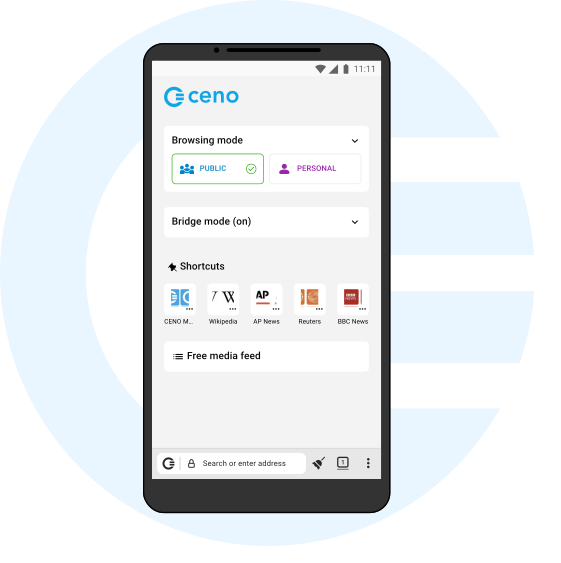
Ceno has two modes of operation – Public and Personal. You can easily toggle between them. Public mode offers the best connectivity but the least privacy – websites that you visit or share are recorded in a publicly-accessible registry (BitTorrent). Personal mode eliminates this record but may be slower and less efficient at retrieving content. See the FAQ or User Manual for more details on Ceno usage.
Alternatively, you can install Ceno by downloading the APK directly via Github, dComms, or GitLab:



If you would like to get the latest improvements as soon as they are ready and help us test them, please join our Play Store Testing Program or iOS TestFlight:
Direct Download
For advanced users or those unable to install Ceno Browser via the above links, you can download the latest APK directly:
Ceno for Android: arm64 (most common) / arm / x86_64
Ceno for Windows: portable installer (recommended) / system installer
To verify that the Ceno for Android APK has a valid signature, run this command and confirm its output:
> apksigner verify --print-certs ceno-[…].apk
Signer #1 certificate DN: CN=equalit.ie
Signer #1 certificate SHA-256 digest:
a59d20c076f6170a2c13d9ce96cd4349688f907898dfc3c89b0ae6ebe9f7edca
[…]
To verify that the Ceno for Windows EXE has a valid signature, run this command and confirm its output:
> signtool.exe verify /pa /v ceno-alpha-windows-[…].exe
[…]
Signing Certificate Chain:
Issued to: E3D17812-E9F1-46C8-B650-4D39786777D9
Issued by: E3D17812-E9F1-46C8-B650-4D39786777D9
Expires: Sat Apr 25 15:13:25 2026
SHA1 hash: D73E913BCAE206834A30823035636FC5A3217436
[…]
You can also verify the signatures of the file hashes against our PGP key (with fingerprint 51BE 600C 2711 926C 865D F93F C7DC C123 F0DD B862)
Ceno for Android: file hashes, signatures
Ceno for Windows: file hashes, signatures
Use cases
Open blocked sites and social media
More and more resources are getting blocked every day. Ceno is a universal tool for accessing any website. Use public mode for reading news and browsing static sites, and switch to personal mode for social networks, YouTube, and other sites that require authentication.
Shutdowns
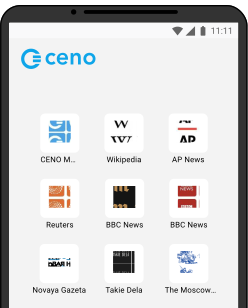
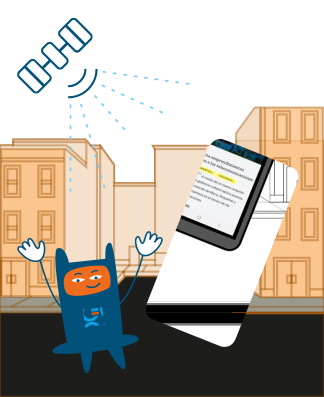
Even if a country is completely cut off from the global internet, you will still be able to access websites that Ceno caches and delivers to your country via satellite. Use Ceno as a backup in case of a shutdown!
Help others
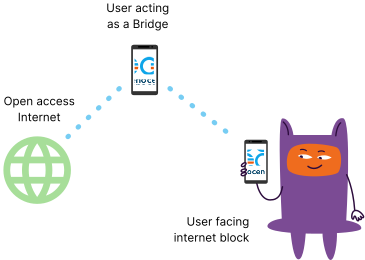
Every Ceno user can become a bridge and help others access blocked resources. To do that, please enable Bridge mode in your browser settings and follow these steps to make the internet more accessible for those who need it most.